Supplier Product Links
Manage supplier product links
Suppliers can manage their product links here.
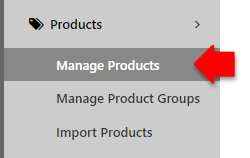
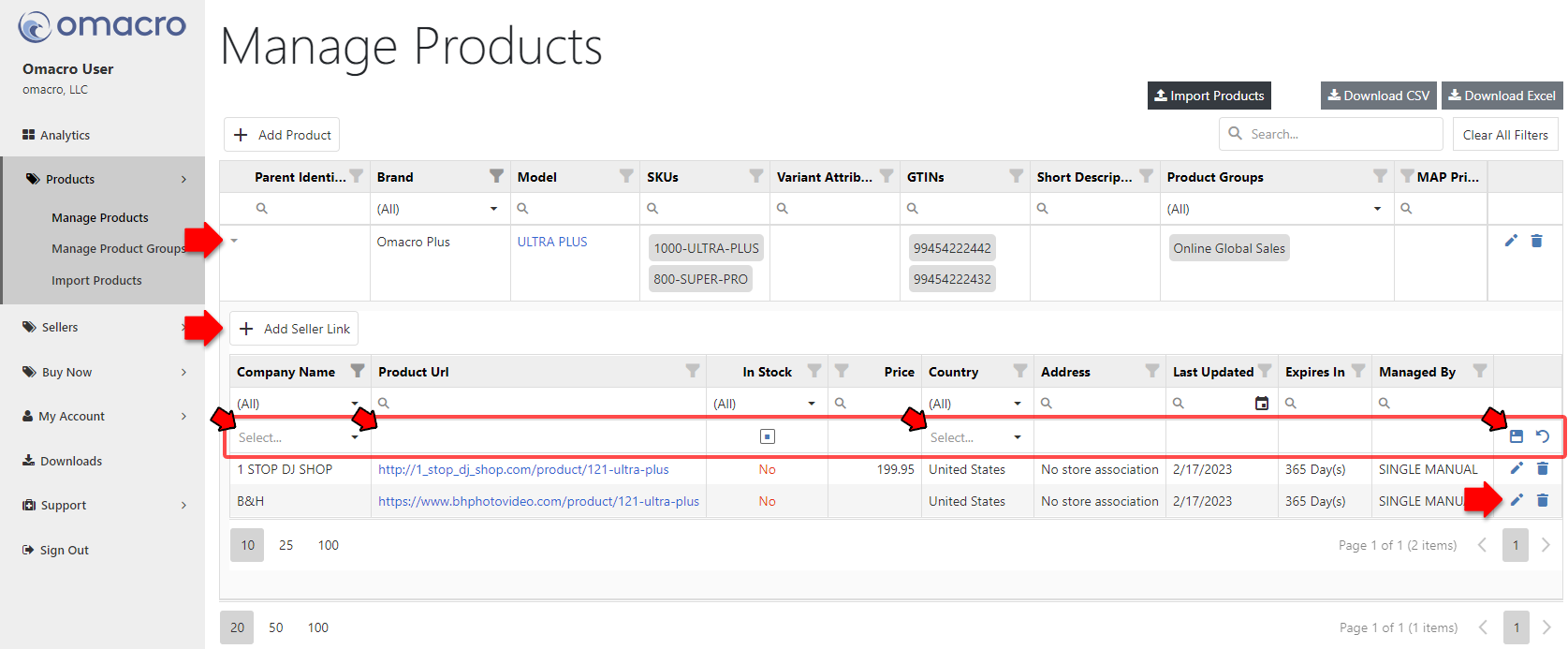
Once on the Manage Product page, you see any links associated to a product by clicking on the arrow to the left of the product. A drawer will open and display a grid listing all current seller links.
-
Add Link: Click "Add Seller Link" to manually add a link not yet associated to a product, filling out the required fields (Company Name, Product URL, and Country) and pressing the Save icon.
-
Edit Link: Click the Edit icon on the right hand side of the link you wish to edit. Please note, you may have to scroll to the right to see the additional link options (edit, delete).
-
Delete Link: Click the Delete icon is wish to remove a link.
Please note, due to the nature of data caching, when making changes to a product's links, it may take up to 10 minutes for these new changes to be reflected within the Buy Now popup.