Seller Relationships
Manage seller relationships and seller visibility
Suppliers can control whether each seller appears as an online seller, retail location, service center, or other supported seller type in Omacro locator results.
-
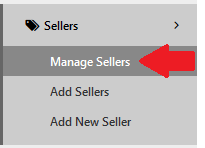
Log in and open My Partner List.
-
Search or filter for the seller, then select the edit control.

-
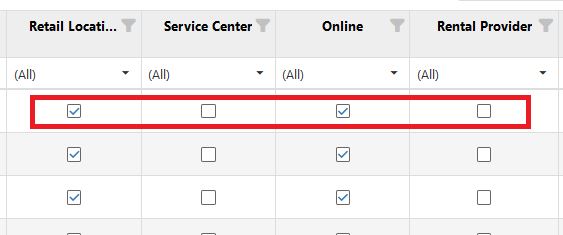
Enable or disable the appropriate visibility options, such as Online or Retail Locations.
-
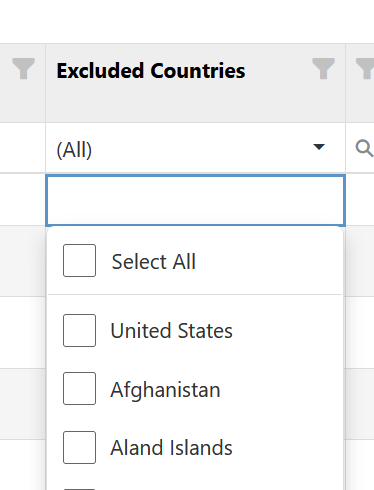
If a seller serves more than its home country, configure any country exclusions needed for online results. For example, a German seller with a France product feed can be excluded from France when it should not appear there.