Seller Product Links
Manage product links manually
Sellers can manage their product links here.
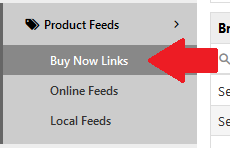
Once on the Buy Now Links Page, you can see any links that are associated with your company, the country they are assigned to, the price (if any), stock status and the date it was added. You can manually delete, edit or add links.
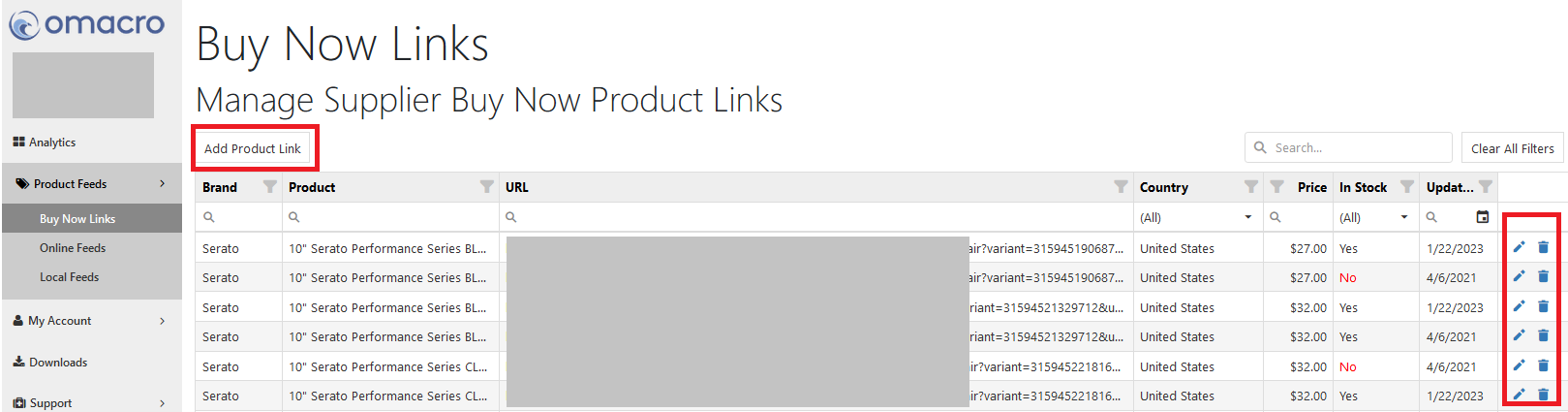
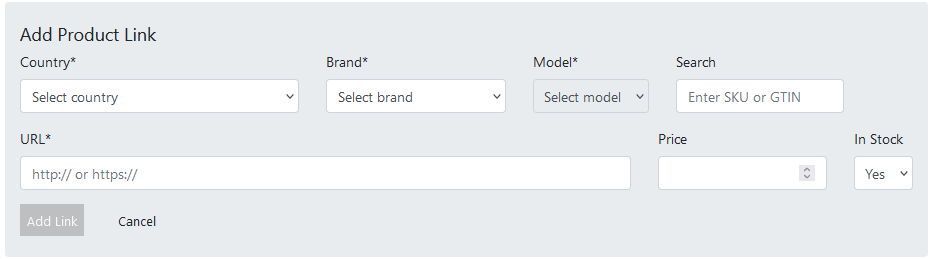
Additional link can be manually added. To manually add a link, click the "Add Product Link" button and fill in the blanks. Be sure to enter the Country where the link is valid, this enables omacro to properly present your link to users in correct countries. Add the product's brand, note that only brands that choose to show your company in their locator will appear. Add the model, note that models will only show up if the brand has created them in omacro for you to connect to.